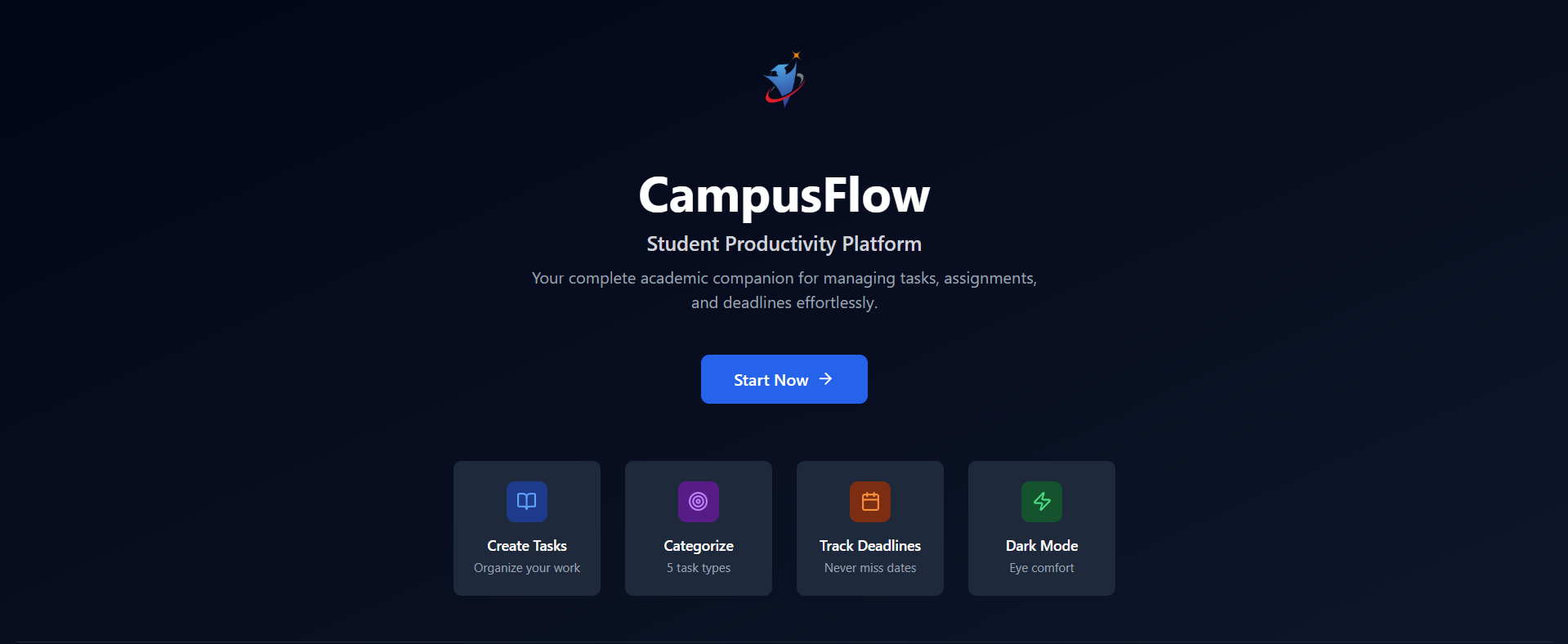
Campus Flow
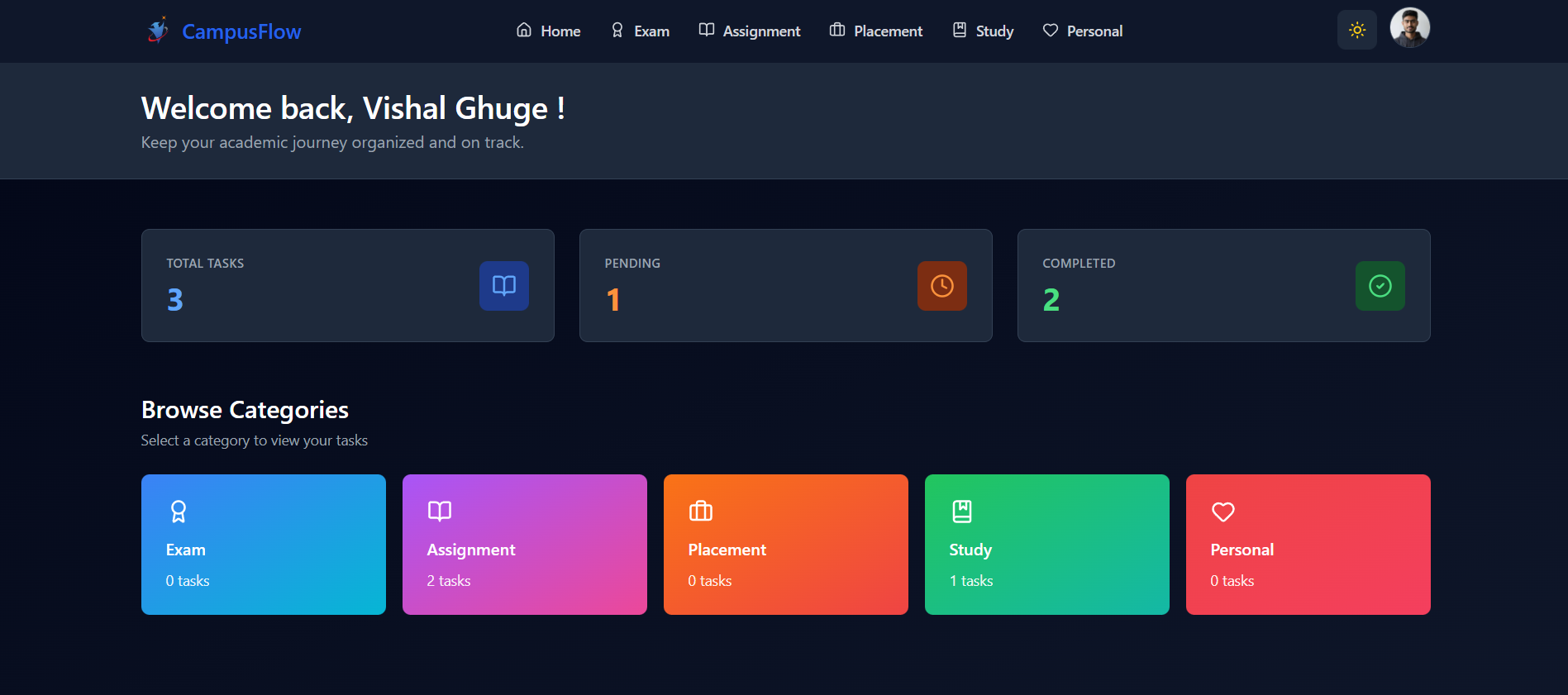
Campus Flow is a full-stack student productivity and task management platform designed to help college students organize academic and personal work in a single place. The system provides category-wise task organization, progress tracking, authentication with email verification, and a responsive modern interface. Campus Flow focuses on solving the everyday problem of scattered planning by offering a centralized, structured, and easy-to-use workspace for students.
Problem
College students often rely on scattered tools such as notebooks, notes apps, or messaging apps to track assignments, exams, and personal tasks. This leads to missed deadlines, poor prioritization, and lack of visibility into overall workload. Existing productivity tools are either too generic or too complex for daily student needs.
Solution
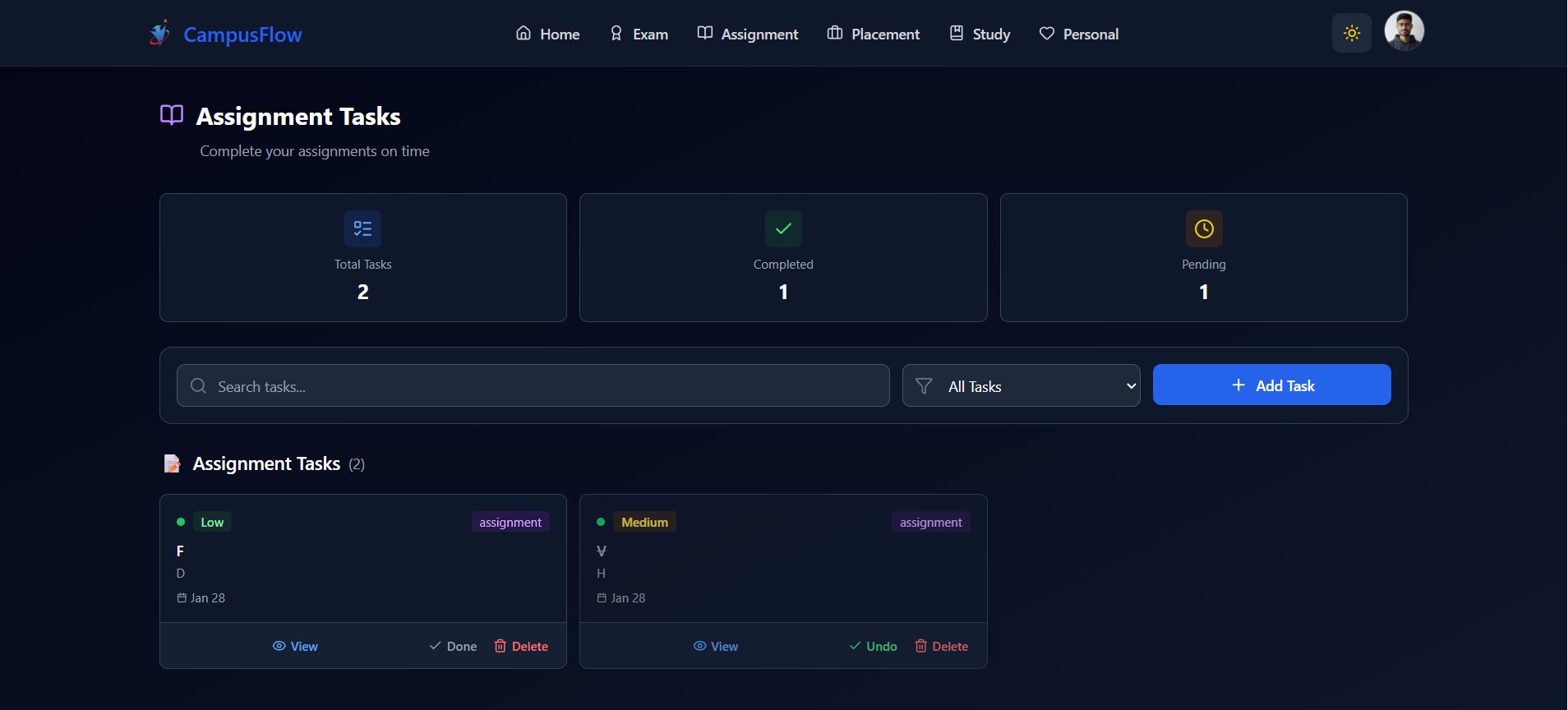
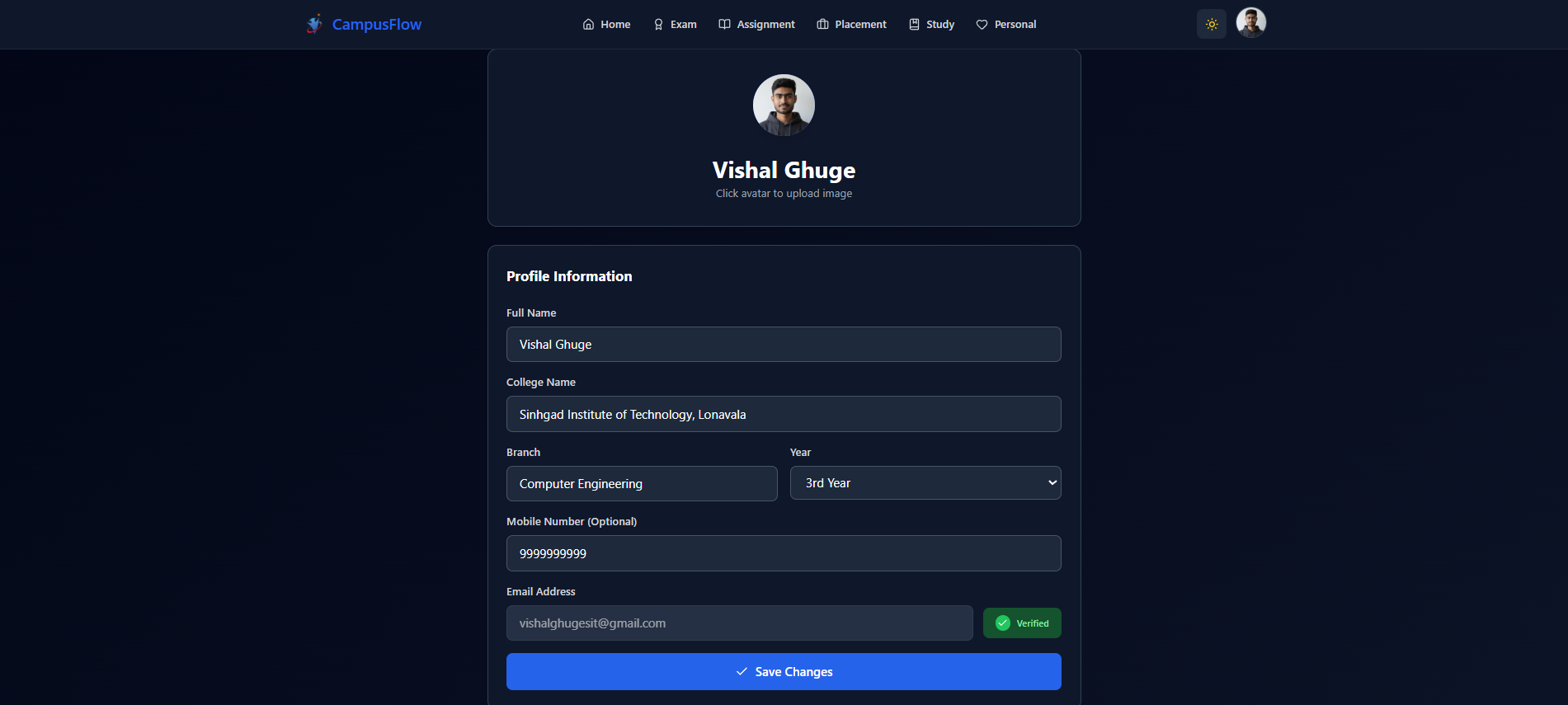
Campus Flow provides a purpose-built task management system for students with secure authentication, email verification, and category-based organization. Users can create, update, complete, and track tasks under specific categories such as Exam, Assignment, Study, Placement, and Personal. The platform uses a modern React frontend and a Node.js backend with MongoDB to ensure fast performance, data persistence, and scalability.
Features
- •User authentication with JWT-based login system
- •Email verification using OTP during signup
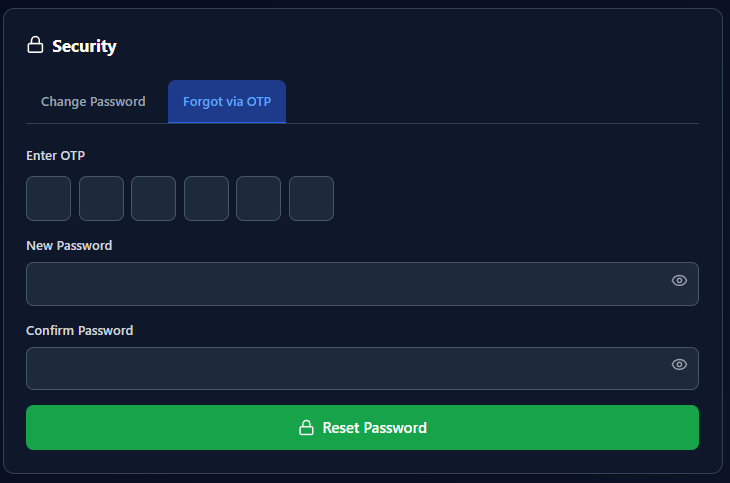
- •Forgot password and reset password using email OTP
- •Create, edit, delete, and complete tasks
- •Category-based task organization (Exam, Assignment, Study, Placement, Personal)
- •Dashboard with total, pending, and completed task statistics
- •Responsive UI optimized for mobile and desktop
- •Secure password hashing with bcrypt
- •Protected API routes using middleware
- •RESTful backend architecture
- •Clean and modern interface using Tailwind CSS
- •Deployed frontend and backend with environment-based configuration
Project Gallery